01
Customer pricing by unit
Set customer-specific prices for each product unit when pricing is enabled.
PRODUCT
Create orders and invoices, record payments, manage purchasing, and review stock and period results in the app.
Explore the product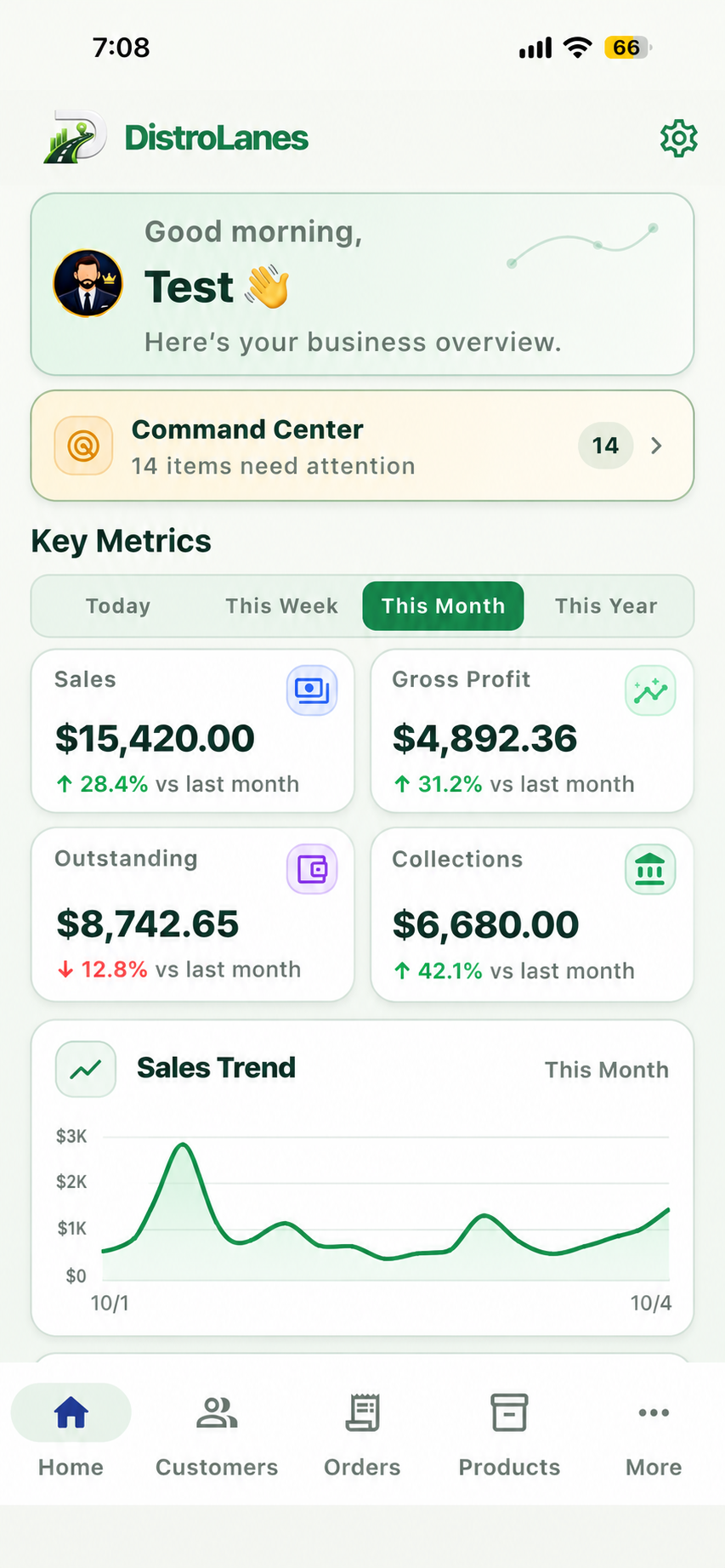
CORE PRODUCT
Set customer-specific prices for each product unit when pricing is enabled.
Define selling units, conversions, and default prices for products.
Create orders and invoices; preview PDFs with device-dependent share and print options.
Manage suppliers and purchase orders, then record received quantities.
View product stock levels and inventory movement history.
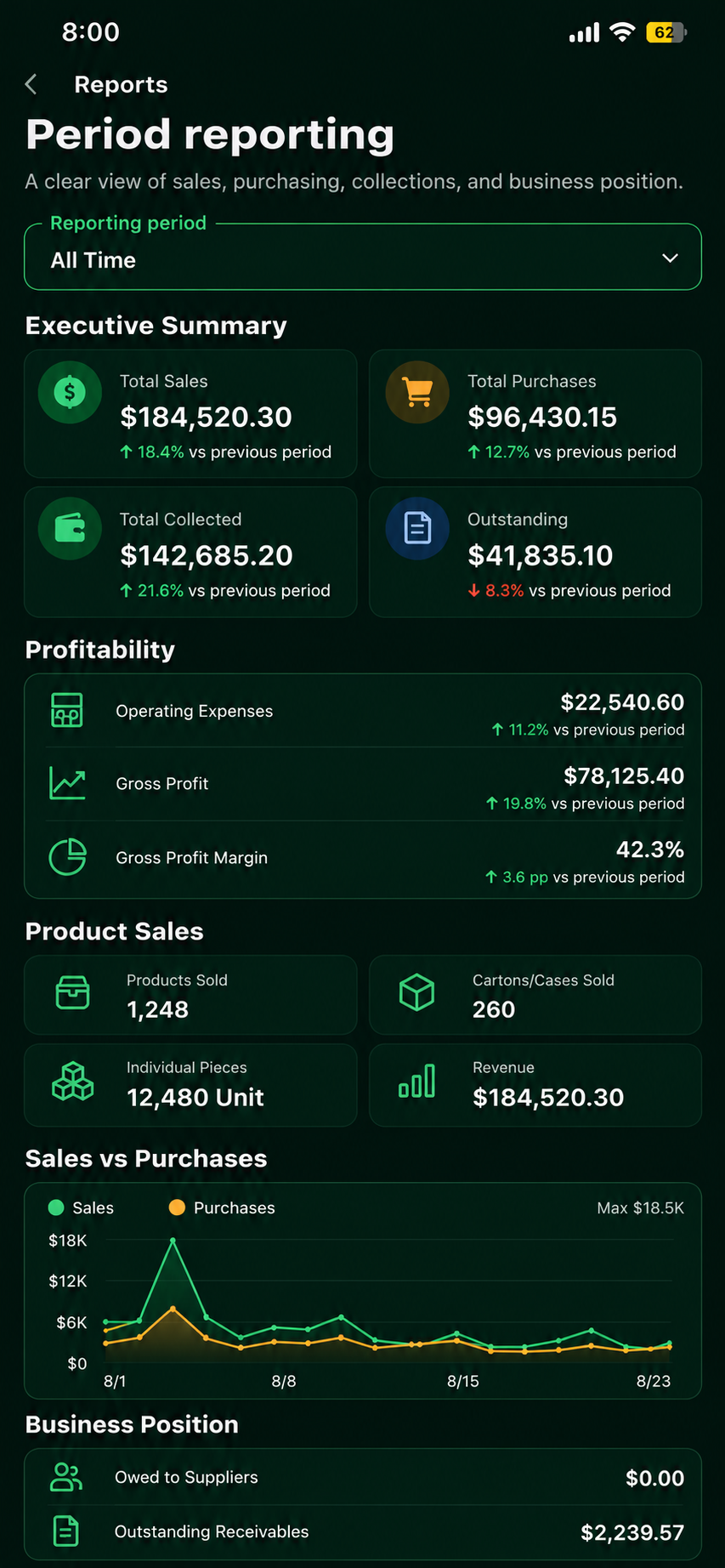
Review sales and purchasing by period, subject to available data and permissions.
CONNECTED WORKFLOW
Sales flow
Purchasing flow
Each step is a team action. Available screens and write actions depend on role and configuration.
BUSINESS CONTROL
Choose a period to review recorded activity. Financial metrics appear when the underlying data and permissions allow them.
GET STARTED
Public downloads are not available yet. Here is the current release status and how to get started when the app is available.
Android Build 19 is approved for release, but has not been published on Google Play.
Not yet available on Google Play
The iOS app is pending App Store approval. A download link will be added after it is publicly available.
App Store approval pending
Once published, download DistroLanes from your device’s official app store.
Create your account in the app and confirm your email if prompted.
Enter your company name to create your workspace, then start adding your business records.
Need help getting started? Visit Support
READY WHEN YOU ARE
When the app is available, create your account and set up your company workspace. Visit Support if you need help getting started.
Get Started